

All iNSight users will need to have a user profile configured on the system in order to log into and use the application. An Administrator will be tasked with managing the users on the system.
An important part of user management is configuring user rights, which allows you to control which screens and functionality specific users can access. User Rights Management is simplified by using Security Groups which are predefined groups with sets of associated rights. By adding users to a Security Group, many users’ rights can be modified in one action instead of changing each user’s individual rights.
Additional rights can be added to a user’s profile should the group rights not be sufficient. For example, you could allow one user from a group to see the Reporting screen.
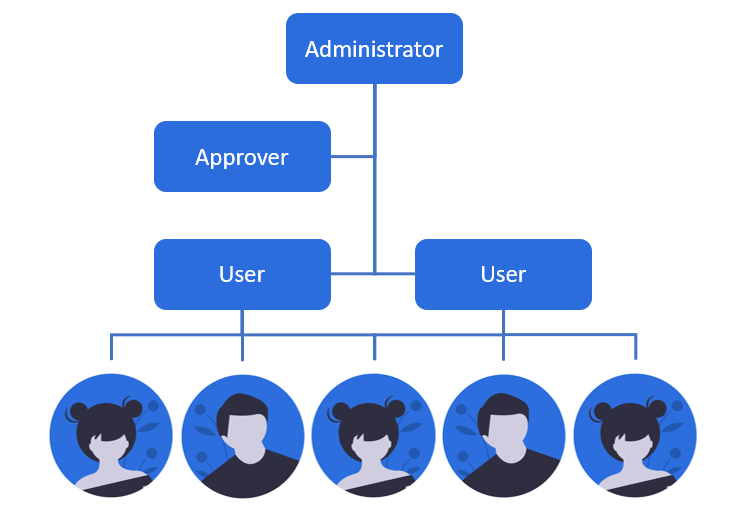
iNSight allows for user hierarchy, which typically falls within three different roles – Administrator, User and Approver. Each user profile (role) will have specific rights configurations and functions in the management of iNSight and it’s respective screens. The Administrator, who is responsible for overseeing and managing the rights as a whole, can create a new configuration, edit existing configurations or delete configurations. Approver roles are special individuals who are able to approve (validate) or delete (invalidate) configurations of Users who may not have full rights on the system.
Click here for more information on User Management.